The Phomemo M110 Label Maker review is for makers and small businesses weighing a compact Bluetooth printer against a larger desktop setup.
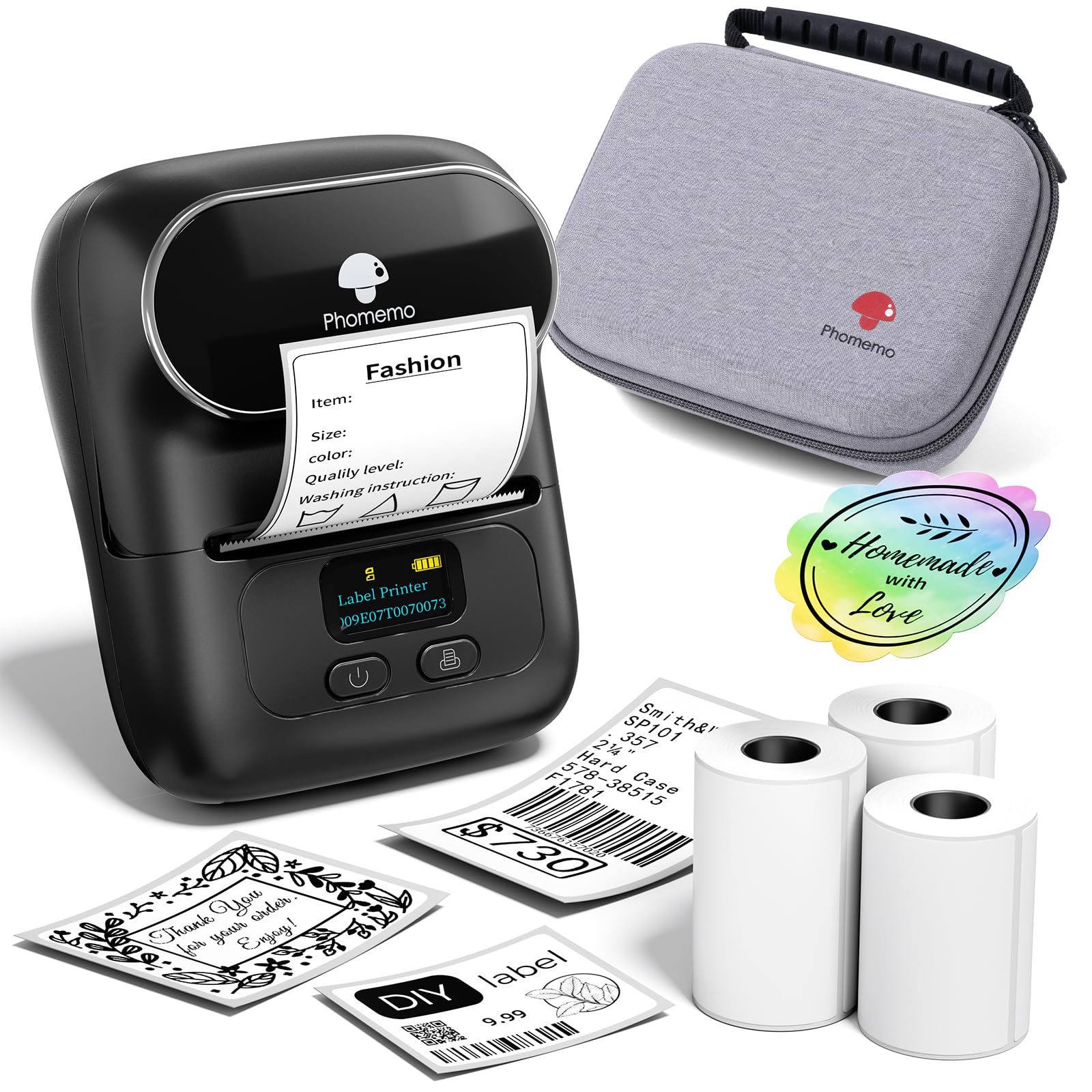
It pairs thermal printing with app templates, Excel batch printing, and OCR, and comes with three rolls of labels and a carrying bag.
Phomemo M110 Review Summary
The quick verdict
6,000+ ratings
Read Amazon ReviewsPhomemo M110
A handy fit for small businesses, craft tables, and home projects that need portable monochrome labels, batch printing, and app-based design.
- Portable, 2-inch Bluetooth thermal label maker.
- Print Master app provides multiple templates and allows custom template setup and editing.
- Supports Excel batch printing for repeat label jobs.
- OCR recognizes text from images for conversion into editable text.

Pros
- Three included label rolls give buyers a selection of starter supplies for initial projects.
- App templates and custom layouts offer a practical starting point for business, school, craft, and home labels.
Consider before buying
- Monochrome output is limited to black printing, so it is not a fit when labels need printed color.
- The workflow depends on the app and Bluetooth, so buyers who prefer designing and printing from a computer should confirm their preferred device workflow before choosing.
Read the full review summary
The M110 is designed for making labels from a phone using Phomemo’s Print Master app. Its template editing, batch printing, and text recognition can help with recurring tasks such as product labels, gift tags, and household organization.
The included three rolls and bag make the kit ready to take to a craft table, market prep session, or another workspace.
This is a monochrome thermal printer, so it suits buyers who want practical black-on-label output rather than color printing or a general-purpose office printer.
The listed package includes a USB-C cable and manual, while the wireless workflow uses Bluetooth.
Before choosing it for a regular labeling routine, consider whether its label format and app-based setup match the way you plan to design and print.
The buying factors
Phomemo M110 Scorecard
Editorial scores reflect listed features and buyer fit; they are not laboratory measurements or customer ratings.
Portable labeling
The compact printer, Bluetooth connection, and included carry bag support moving it between work areas.
Design flexibility
The app offers multiple templates and lets users create their own label layouts.
Batch workflow
Excel batch printing is useful when a job involves repeated or data-based labels.
Text capture
OCR can turn text in an image into editable text, which may reduce retyping for some tasks.
Ready-to-use kit
Three rolls, a bag, cable, and manual are included in the described package.
Output versatility
Monochrome thermal output is well suited to functional labels but does not cover color printing.
Key Features and Specifications of Phomemo M110
- Portable, 2-inch Bluetooth thermal label maker.
- Print Master app provides multiple templates and allows custom template setup and editing.
- Supports Excel batch printing for repeat label jobs.
- OCR recognizes text from images for conversion into editable text.
- Bluetooth 4.0 connection is described with a range of up to 33 feet.
- Package includes three rolls of white thermal labels, a black carrying bag, USB-C cable, and user manual.
- Monochrome thermal printing uses thermal label paper; Phomemo-branded paper is recommended for printing results.
Pros and Cons of Phomemo M110
Pros
- Three included label rolls give buyers a selection of starter supplies for initial projects.
- App templates and custom layouts offer a practical starting point for business, school, craft, and home labels.
- Excel batch printing can streamline repeated labels compared with entering each one separately.
- OCR adds a way to turn photographed text into editable label content.
- A carry bag and compact format make it easier to bring the printer to another workspace.
Consider before buying
- Monochrome output is limited to black printing, so it is not a fit when labels need printed color.
- The workflow depends on the app and Bluetooth, so buyers who prefer designing and printing from a computer should confirm their preferred device workflow before choosing.
- The package supplies white thermal labels; buyers who need a particular label size, material, or finish should check that the paper they plan to use fits the printer.
- Some app templates, icons, and fonts are marked as member-only, so check the app’s available free design options if a specific asset matters.
Who Should Buy Phomemo M110?
Good fit
Consider the M110 if you make short runs of labels for products, gifts, classroom materials, or household storage and want to design them from a phone.
Template editing gives you a starting point, while custom layouts and Excel batch printing can help when a project repeats or uses a list of entries.
The included three rolls, bag, cable, and manual make the package appealing for someone setting up a portable labeling station.
OCR may also be useful when label text begins in a photo or image and you want to edit it before printing.
Before buying, match the printer’s 2-inch format to your planned labels and verify your preferred paper choice. The description recommends Phomemo-branded thermal paper for optimal results, so frequent users should factor compatible refills into their routine.
Who should skip it
Skip it if you need printed color, 4-by-6 shipping labels, or a conventional all-purpose document printer; this is a compact monochrome thermal label maker.
If you need a computer-first workflow, check that the M110 supports the way you intend to create and send jobs before purchasing. The described workflow centers on the Print Master app and Bluetooth.
How the Phomemo M110 Fits a Small Labeling Workflow
App tools for repeated work
The combination of reusable templates, custom layouts, and Excel batch printing makes the M110 more useful for recurring labeling than a printer focused only on one-off text.
For example, a seller preparing several product labels can work from a repeatable layout and batch job rather than composing each label from scratch.
OCR as a shortcut
OCR is a practical convenience when the words needed for a label already appear in an image. The text can be converted into editable content, giving the user a chance to adjust it before printing.
Its value depends on how often a labeling task starts with text in a photo.
Portable monochrome output
Bluetooth and the included bag point to a setup that can travel between a home work area and a project table.
Thermal printing keeps the task focused on labels, while monochrome output is suitable for readable names, codes, and descriptions.
Buyers looking for colorful visual designs should consider whether patterned label stock meets their needs, since the printer itself is described as monochrome.
Supplies and setup
Three white rolls provide a useful start, but refill choice matters for an ongoing routine. The product guidance recommends Phomemo thermal paper for optimal printing results.
Check the dimensions and type of labels needed for your work, then confirm the app’s available templates and free assets are sufficient for your intended designs.
Alternatives to Phomemo M110
Desktop Label Printers alternative
1,000+ ratings
Read Amazon ReviewsPhomemo M110 Label Printer
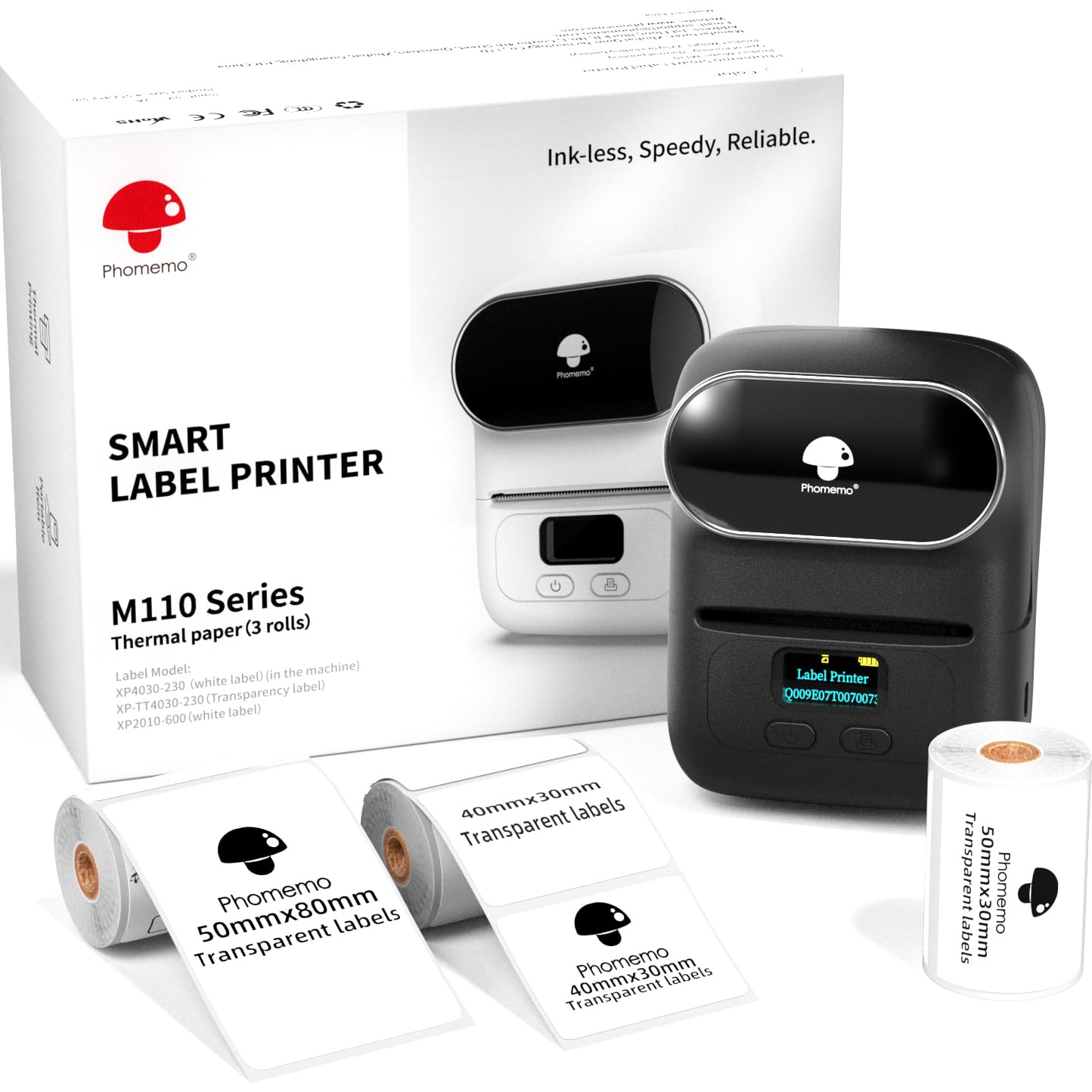
Both are M110 label makers with similar app-based workflows.
Choose the reviewed package if the bag and USB-C cable matter to your kit; consider this alternative if having three specified label sizes is more useful for trying different label formats.
- This M110 package includes three rolls in 40×30 mm, 50×30 mm, and 50×80 mm sizes. Its described app supports templates, custom layouts, batch printing, and OCR.
- The reviewed M110 package includes three rolls of white thermal labels, a carrying bag, and USB-C cable, and its app supports templates, Excel batch printing, and OCR.
Battery-focused alternative
2,000+ ratings
Read Amazon ReviewsPhomemo M110 Label Printer with 100 Labels
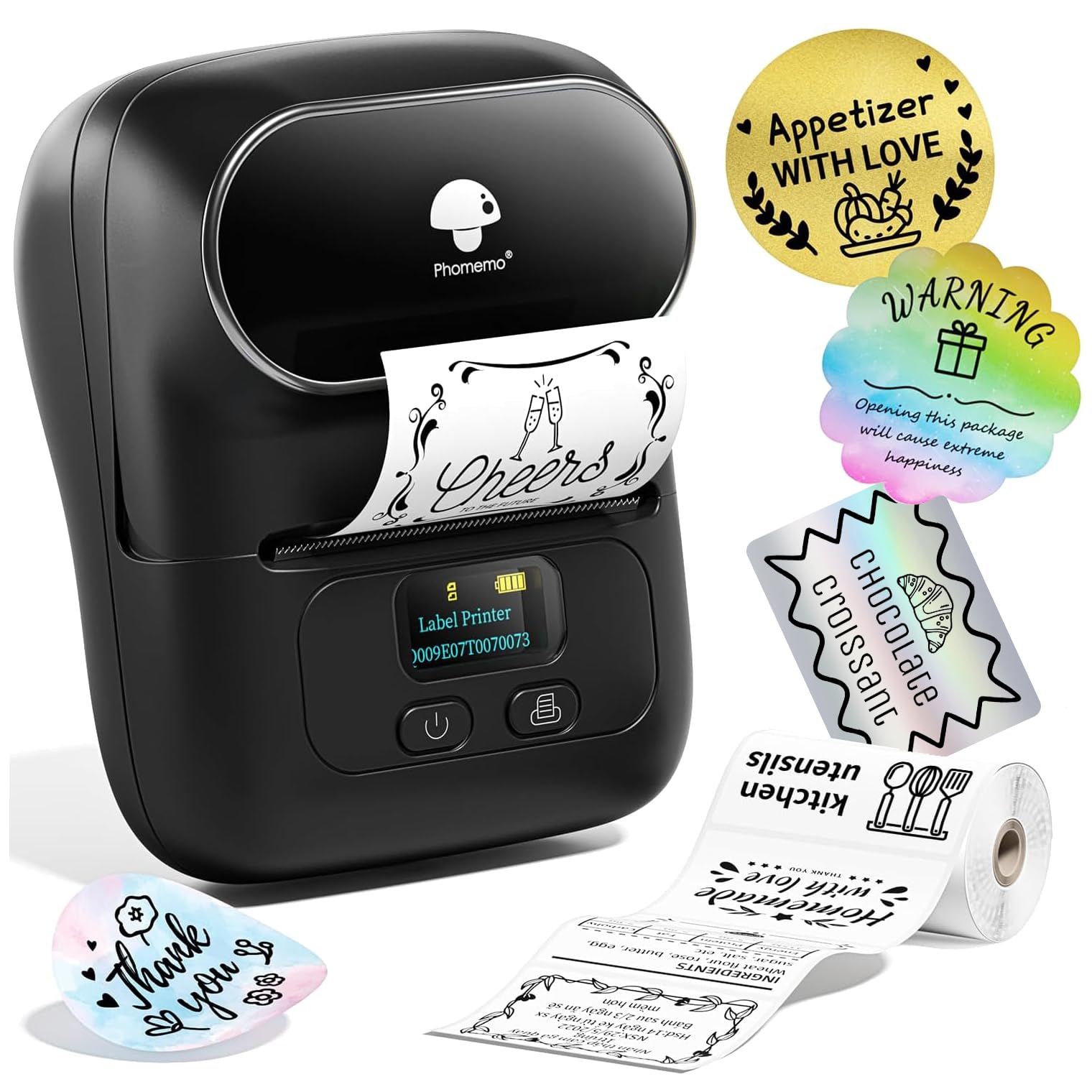
Both are aimed at compact M110 labeling tasks.
The reviewed package offers three rolls and a bag, while this alternative’s specified starter labels and listed battery runtime may be useful if that size and runtime suit your planned work.
- This M110 variant includes 100 starter labels sized 40×30 mm and describes a 4-hour battery life, templates, and batch printing.
- The reviewed package includes three rolls of white labels and a carrying bag, with Excel batch printing and OCR among its described app functions.
Is Phomemo M110 Worth It?
The Phomemo M110 is worth considering for makers and small businesses that want portable, app-based monochrome label printing with useful tools for repeat jobs.
Its three-roll kit, custom templates, Excel batch printing, and OCR cover a broader workflow than simple one-off text labels.
Choose it when phone-centered design and black thermal labels fit your routine. Confirm label dimensions and refill compatibility, and look elsewhere if you need printed color or a larger shipping-label format.
Your review at a glance
6,000+ ratings
Read Amazon ReviewsPhomemo M110
A handy fit for small businesses, craft tables, and home projects that need portable monochrome labels, batch printing, and app-based design.
- Portable, 2-inch Bluetooth thermal label maker.
- Print Master app provides multiple templates and allows custom template setup and editing.
- Supports Excel batch printing for repeat label jobs.
- OCR recognizes text from images for conversion into editable text.