The HP Sprocket Select pairs a pocket-friendly phone printer with a bundle of supplies for turning favorite digital moments into hands-on projects.
This hp sprocket select portable photo printer bundle review looks at its larger sticky-back prints, app tools, and included extras for parties, albums, and everyday crafting.
Sprocket Select Review Summary
The quick verdict
2,000+ ratings
Read Amazon ReviewsHP Sprocket Select
A good fit for scrapbookers, party hosts, and families who want phone photos ready to personalize and display with a generous starter bundle.
- Prints 2.3 × 3.4-inch photos from a smartphone or social media.
- Works with iOS and Android devices over Bluetooth 5.1.
- Uses ZINK sticky-back photo paper with colors embedded in the paper.
- The glossy paper is described as resistant to water, smudges, and tears.

Pros
- A larger print format than the familiar 2 × 3-inch pocket-photo size.
- A substantial set of creative accessories for albums, crafts, and party activities.
Consider before buying
- The prints remain small keepsakes rather than full-size photographs.
- The paper and bundled craft pieces are most valuable to buyers who will make prints regularly or use them in projects.
Read the full review summary
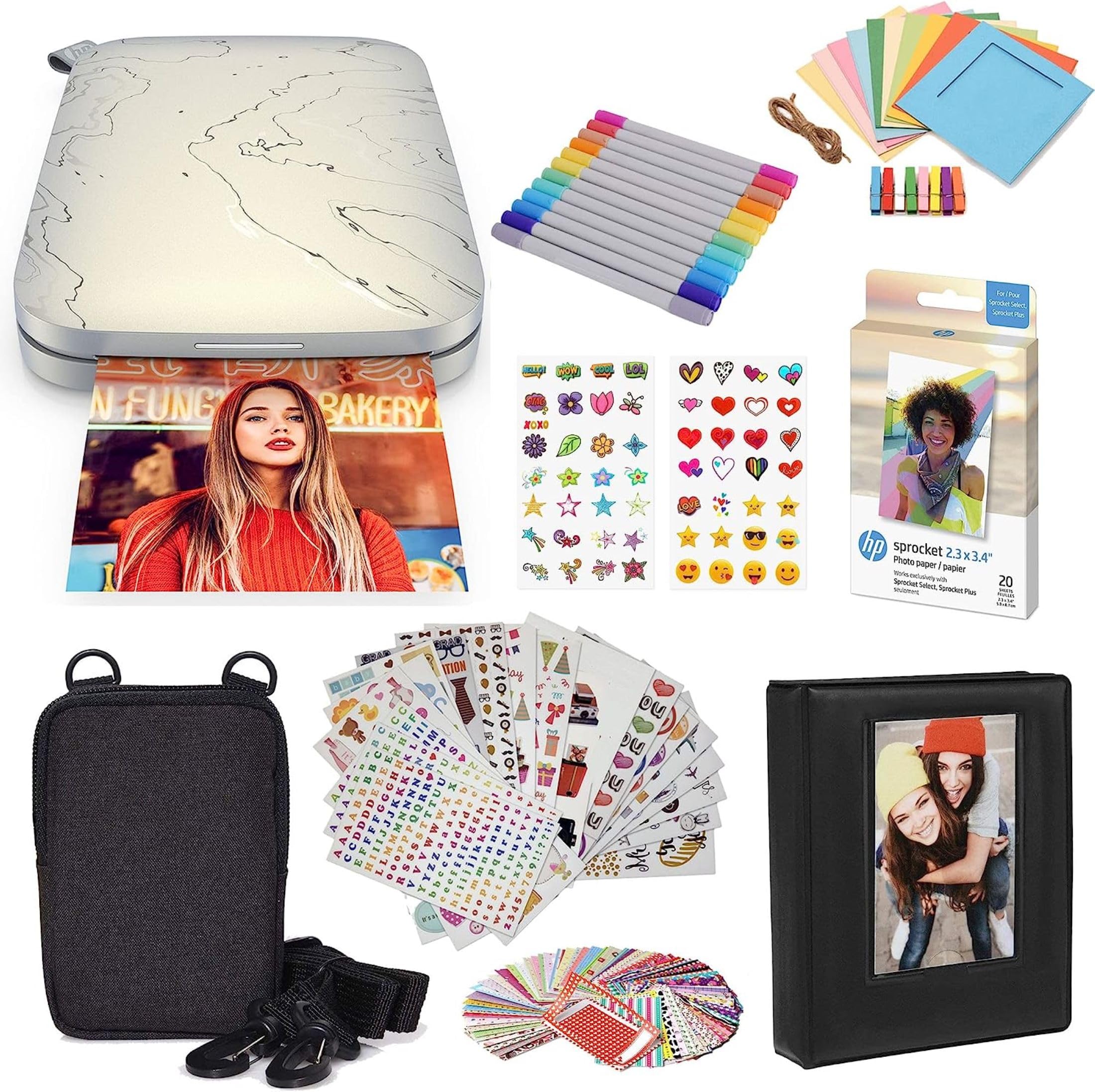
The main appeal is having a creative kit ready from the start: the printer makes 2.3 × 3.4-inch photos from a smartphone or social media, while the bundle adds paper, a case, markers, an album, sticker sets, and display pieces.
ZINK printing avoids ink cartridges, toner, and ribbons, and the HP app provides filters, frames, and social-photo access.
It suits people who want to decorate journals, albums, or party displays with more than the printer’s output alone.
The tradeoff is that this is a small-format photo printer, and the bundled accessories make most sense if you expect to use them; buyers who only want occasional tiny prints may prefer a simpler setup.
The buying factors
Sprocket Select Scorecard
Editorial scores reflect listed features and buyer fit; they are not laboratory measurements or customer ratings.
Print size for a pocket printer
The 2.3 × 3.4-inch format is larger than the compact 2 × 3-inch size common to this category, leaving more room for a keepsake image.
Creative starter kit
The bundle brings paper, a case, markers, an album, stickers, and frames together for several kinds of decorating projects.
Phone-based convenience
Bluetooth 5.1 and iOS and Android compatibility support a wireless phone-to-print workflow.
Personalization tools
The HP app offers filters and frames, along with tools for custom stickers and social-photo access.
Ink-free printing approach
ZINK paper has embedded colors, so printing does not call for separate toner, ribbon, or ink cartridges.
Everyday print versatility
The design focuses on small smartphone keepsakes, so it is best for creative projects rather than general document or large-photo printing.
Key Features and Specifications of Sprocket Select
- Prints 2.3 × 3.4-inch photos from a smartphone or social media.
- Works with iOS and Android devices over Bluetooth 5.1.
- Uses ZINK sticky-back photo paper with colors embedded in the paper.
- The glossy paper is described as resistant to water, smudges, and tears.
- The HP app includes frames and filters, augmented-reality features, and a way to scan doodles for custom stickers.
- The bundle includes a 20-sheet paper pack, deluxe case, twin-tip markers, album, nine sticker sets, sticker frames, square hanging frames, and decorative stickers.
Pros and Cons of Sprocket Select
Pros
- A larger print format than the familiar 2 × 3-inch pocket-photo size.
- A substantial set of creative accessories for albums, crafts, and party activities.
- ZINK paper removes the need to manage separate ink or toner supplies.
- Wireless phone printing and app-based customization make it easy to start with digital images.
Consider before buying
- The prints remain small keepsakes rather than full-size photographs.
- The paper and bundled craft pieces are most valuable to buyers who will make prints regularly or use them in projects.
- The supplied details do not specify battery life or print speed, so check those requirements before choosing it for a particular event or travel routine.
Who Should Buy Sprocket Select?
Good fit
Choose the Sprocket Select if you want to bring phone photos into scrapbooks, journals, party tables, or family albums without first arranging a separate printing session.
Its 2.3 × 3.4-inch output gives a little more image area than the smallest pocket-print format, and the sticky backing supports decorating projects directly.
The bundle is particularly appealing for someone starting a craft station or gift project: it includes an album, markers, sticker sets, and several display options alongside the printer.
That makes it easier to put the first prints to use, provided these accessories match the projects you have in mind.
Before buying, consider how often you will print and whether you want to keep compatible paper stocked.
If this is for a time-sensitive gathering or frequent travel, confirm that the printer’s power and throughput suit your schedule, since those details are not specified here.
Who should skip it
Look elsewhere if you need standard-size prints, a general-purpose home printer, or a setup built around larger photographs. This model is designed around small smartphone photos and hands-on display projects.
A buyer who wants only occasional prints and has no use for stickers, markers, or album supplies may get more value from a printer-only option.
How the HP Sprocket Select Fits Creative Printing
A more usable pocket-print canvas
At 2.3 × 3.4 inches, the Select’s photo area gives images a little more room than the 2 × 3-inch format used by many pocket printers.
It is still a compact keepsake size, but that extra space can make a photo feel more at home on a scrapbook page or a small display.
The bundle shapes the experience
The printer is only part of the package. Paper, a deluxe case, markers, an album, sticker sets, and frames encourage an immediate move from printing to arranging and decorating.
For a party table or family craft session, those extras can help turn printing into an activity; for a minimalist buyer, they add items that may go unused.
App editing before printing
The HP app’s frames and filters let users add a personal touch before printing, and its doodle-scanning and augmented-reality features offer additional creative options.
These features suit casual projects where playful edits matter, while the social tagging function can shorten the path from a shared image to a print.
What ink-free means here
ZINK technology uses paper with colors embedded in it, so there are no separate ink cartridges, toner, or ribbons to replace.
Buyers should still plan around the printer’s compatible photo paper; an ink-free process changes the consumable, but does not eliminate the need to replenish print media.
Alternatives to Sprocket Select
Laminated-print alternative
2,000+ ratings
Read Amazon ReviewsKODAK Mini 3 Retro
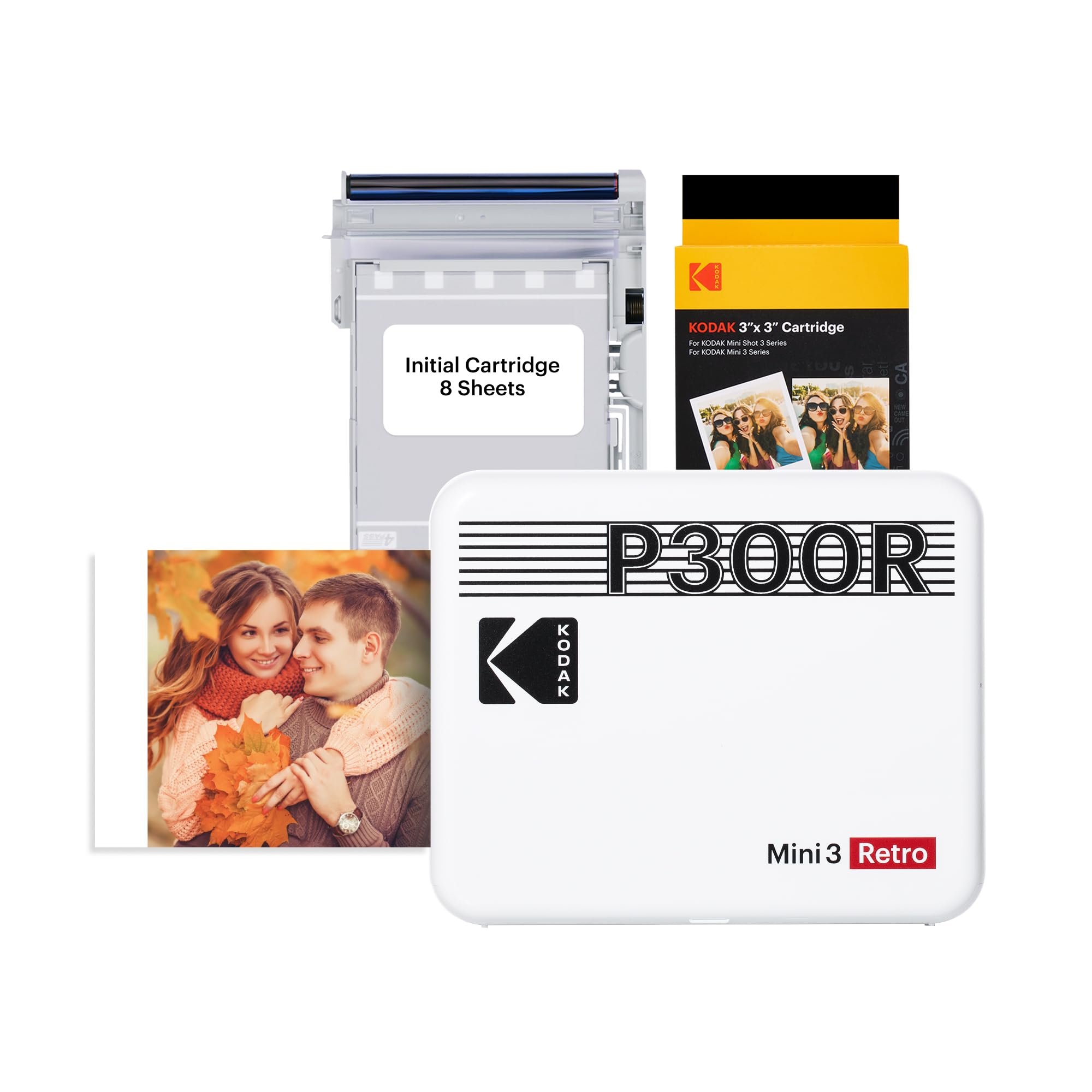
Consider the KODAK if square prints and a different print process are a better match for your albums or display plans. The HP bundle is the more craft-oriented choice, with adhesive-backed prints and many decorating extras.
- The KODAK Mini 3 Retro makes 3 × 3-inch square prints using 4PASS dye-sublimation, with a protective lamination layer.
- Its bundle includes four cartridges, 38 sheets of photo paper, a USB-C cable, and a guide.
- The HP Sprocket Select prints 2.3 × 3.4-inch sticky-back photos using ZINK paper and includes a wide set of craft accessories.
NFC pairing alternative
20,000+ ratings
Read Amazon ReviewsKODAK Step Instant Smartphone Photo Printer
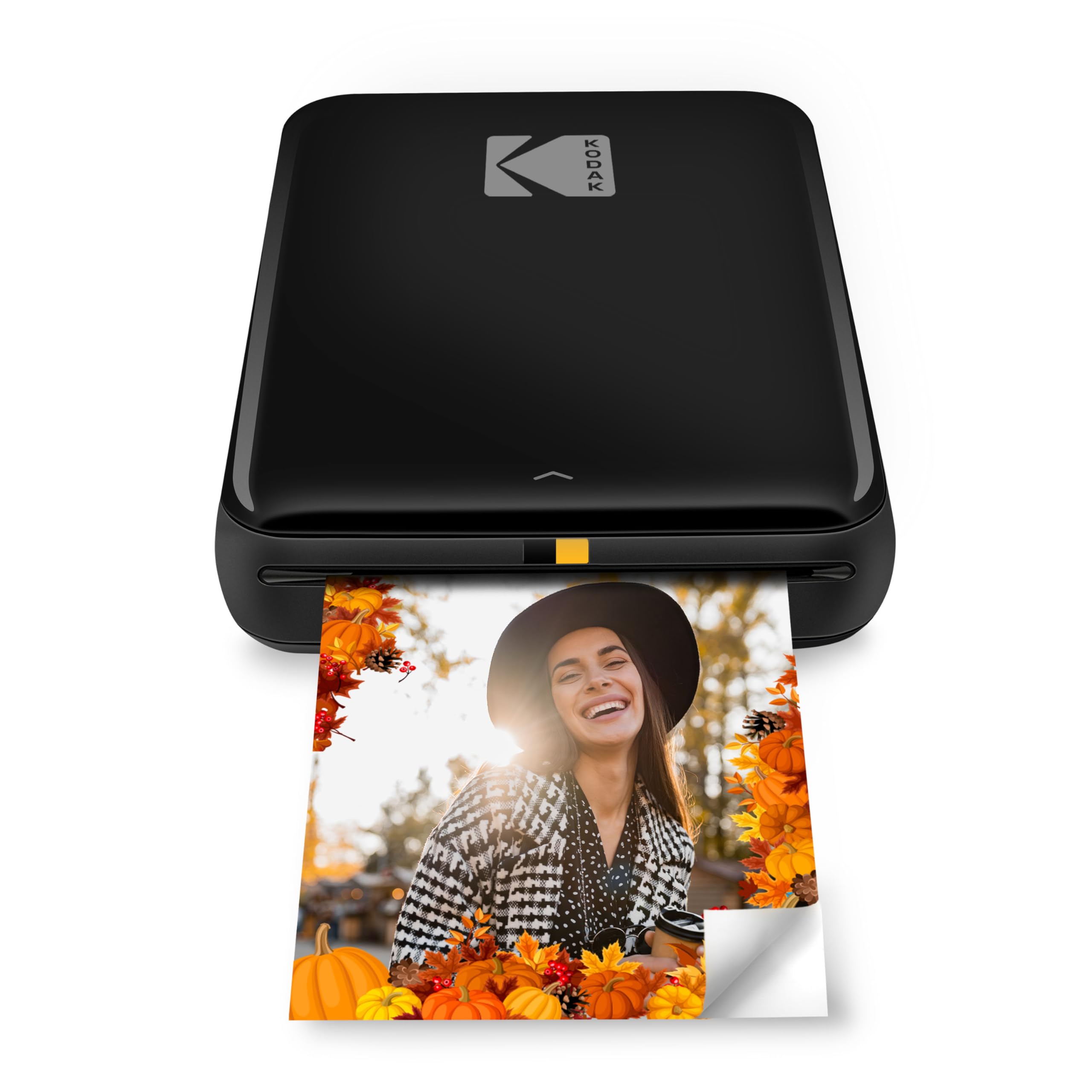
The KODAK Step is worth considering if you prefer a smaller 2 × 3-inch print and value the stated charge estimate or NFC connection.
Choose the HP if its larger print area and included craft kit better fit your projects.
- The KODAK Step prints 2 × 3-inch ZINK photos, connects with iOS and Android devices via Bluetooth or NFC, and has an app for collages, filters, borders, stickers, and text.
- Its description says the built-in rechargeable battery prints 25 photos on a full charge.
- The HP Sprocket Select produces the larger 2.3 × 3.4-inch format and packages an album, markers, stickers, and frames with the printer.
Is Sprocket Select Worth It?
The HP Sprocket Select is worth considering for people who want phone photos in a larger-than-mini pocket format and expect to use the included craft supplies.
Its wireless ZINK workflow, app editing tools, and ready-made bundle suit scrapbooking, party activities, and small displays.
Buy it when the extras and sticky-back prints match the way you create. If you need larger photographs, broader printing duties, or only an occasional basic print, look for a format or package designed around those priorities.
Your review at a glance
2,000+ ratings
Read Amazon ReviewsHP Sprocket Select
A good fit for scrapbookers, party hosts, and families who want phone photos ready to personalize and display with a generous starter bundle.
- Prints 2.3 × 3.4-inch photos from a smartphone or social media.
- Works with iOS and Android devices over Bluetooth 5.1.
- Uses ZINK sticky-back photo paper with colors embedded in the paper.
- The glossy paper is described as resistant to water, smudges, and tears.